Core Platform
Autostrek
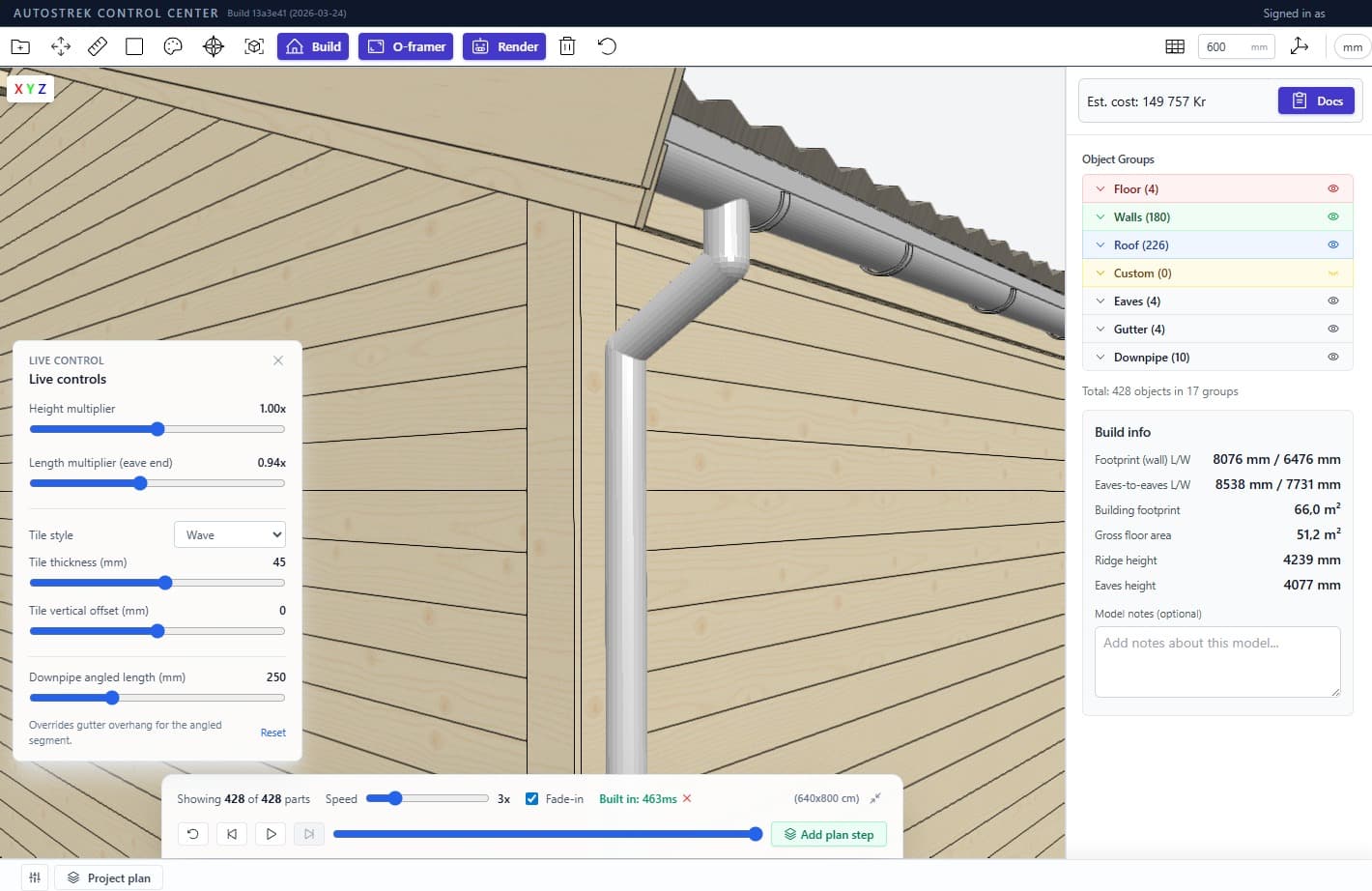
The main Autostrek app is the core builder workflow: model structures, organize materials, plan projects, and move from concept to build-ready output.
- Generate complete timber structures from simple dimensions.
- Auto-create framing, cutlists, and bill of materials in one workflow.
- Compare supplier prices before purchasing materials.
- Export plans and models for client approval and build handoff.
Included in your Autostrek subscriptionWindowsmacOS
Companion App
Autostrek Image
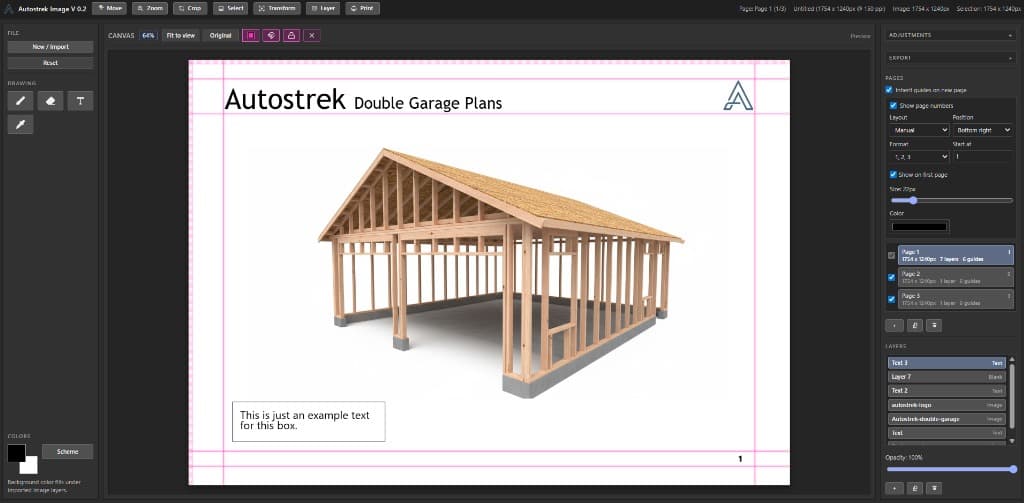
Designed for production flow: set up guides, keep pages aligned, and deliver consistent visuals quickly.
- Layer-based image editing with crop, transform, and text tools.
- Guide, snapping, and page-number workflows for booklet-ready layouts.
- Multi-page document workflow with page-level guide controls.
Companion App
Autostrek Viewer
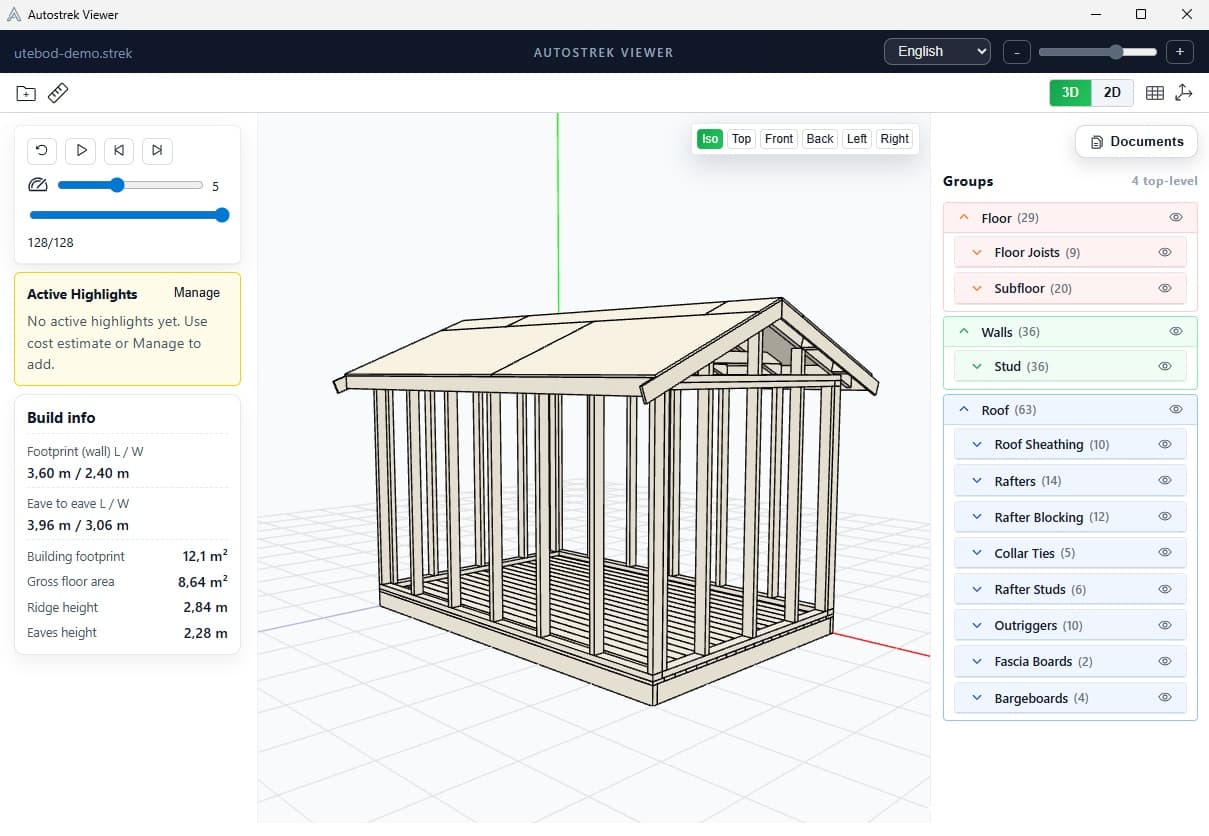
Autostrek Viewer is a lightweight viewing experience for sharing and reviewing output without entering the full editing stack.
- Open project output quickly for presentations and review.
- Navigate model views with lightweight controls for non-technical users.
- Share visual deliverables without exposing full editing workflows.
- Use as a handoff viewer for clients, partners, and installation crews.
Ideal for handoff and quick review sessions
Included in your Autostrek subscriptionWindowsmacOS (coming soon)