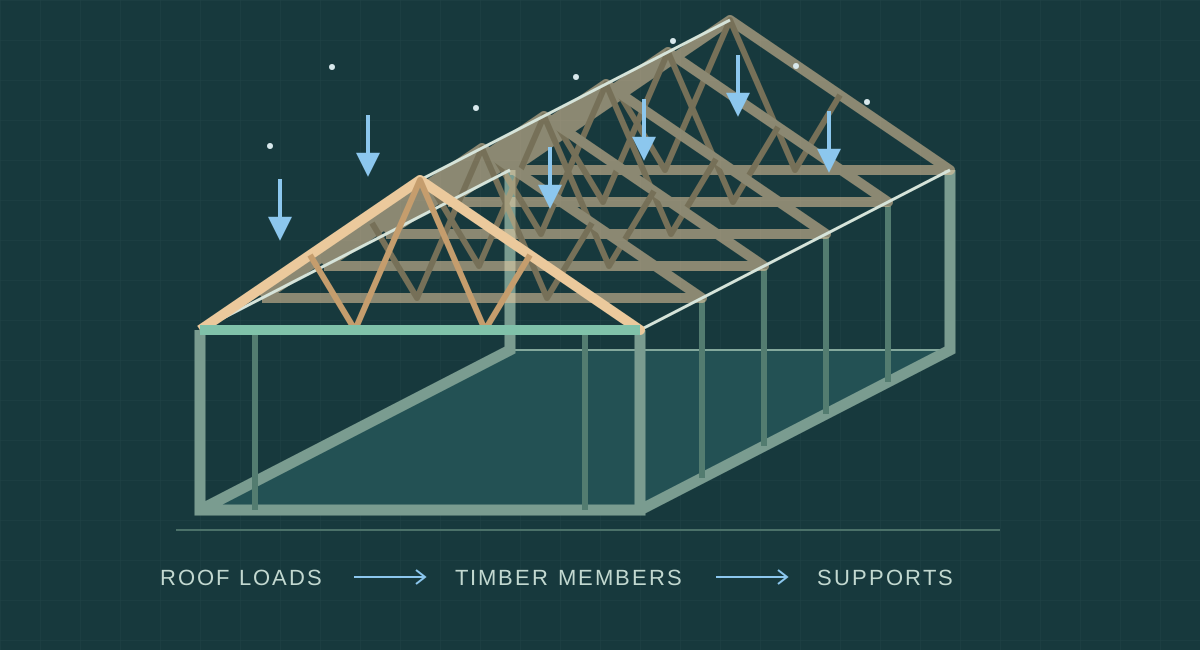
Structural load calculations are an advanced feature, designed to be simple to use. Keep designing your building as usual, choose Automatic sizing and review the loads. Autostrek can then propose preliminary timber dimensions for supported roof layouts and use the accepted sizes in the generated model.
This is an early-stage release. It helps you explore a design and understand what governs its dimensions. A passing result is a preliminary member check, not approval to build.
Start with your building
In Build Generator, the span, roof angle and centre spacing already come from your design. Choose Truss, select a supported type and switch to Automatic. Enter the site’s ground snow load in kN/m², then review the assumptions before calculating. A Norwegian snøsone number is not itself a load value.
Advanced settings expose timber grade, roof and floor loads, supports and assumed restraint. Start with the visible defaults, but check that they describe your project: choosing a roof covering does not automatically calculate its weight. The selected centre spacing stays fixed during sizing.
For a supported gable Beam roof, Automatic roof dimensions instead proposes C24 rafters and a GL30c glulam ridge beam. Apply the result and generate the building to carry the dimensions into the model and material lists.
What happens behind the scenes
For trusses, Autostrek builds a numerical model of connected members, their stiffness and their supports. A finite-element analysis solves how that structure responds to loads, producing internal forces, support reactions and movement. It considers several load patterns, including uneven snow, with floor loading for supported attic layouts.
In Automatic mode, the browser chooses a candidate set of timber sizes and sends its geometry, supports and loads to the paired calculation engine on your computer. The engine analyses the load cases and returns forces, reactions and movement. Autostrek then checks strength, deflection and stability in the browser, and may send another candidate for analysis. Checking candidate counts these section combinations, not a percentage.
When a suitable preliminary result is ready, review it, apply it and generate the building. If the search cannot find suitable sizes, or you cancel it, no unfinished result is applied. The repeated analysis is why a demanding layout can take longer.
Rafter and glulam ridge sizing follows a separate, simpler beam calculation. Rafters carry roof loads to their bearings, including the ridge beam; that beam must then carry its share to its own supports. Glulam is timber made from bonded laminations, commonly used for load-bearing beams.
Why supports and bracing matter
A slender member in compression can bow sideways: buckling. Its effective unsupported length matters, so a bigger section is only one part of the answer. The truss checks use declared restraint assumptions; visible battens or connector plates do not establish that a real bracing system is adequate.
An interior bearing can change the forces and required sizes substantially. It counts only when explicitly declared and supported by the workflow. A drawn partition is not automatically a load-bearing wall, and any reaction still needs a designed route through the building to the foundation.
Try the early-stage release
Subscribers can run truss calculations with the Windows local calculation engine. Install it once, pair the browser and keep it open while calculating. Cloud calculations are not available yet. See the setup guide and the guides to Automatic truss sizing and rafter/ridge sizing.
Expect rough edges and review every result. Connections, bracing design, wind, local snow accumulation and the complete load path still need separate engineering work; this release does not establish full Norwegian Eurocode compliance. Changing the design or loads requires a new assessment.
Help shape the feature by reporting problems in the Bug Reports forum. Include the tool, relevant inputs, steps and error message—without pairing codes or private project information.